
TSplus Advanced Security - Prerequisites
Architecture Simulator Configure your architecture online to help you choose our software and add-ons. TSplus Architecture Simulator Hardware Requirements TSplus Advanced Security supports 32-bit and 64-bit architectures. Operating System Your hardware must use one of the operating systems below: Windows 7 Pro Windows 8/8.1 Pro Windows…
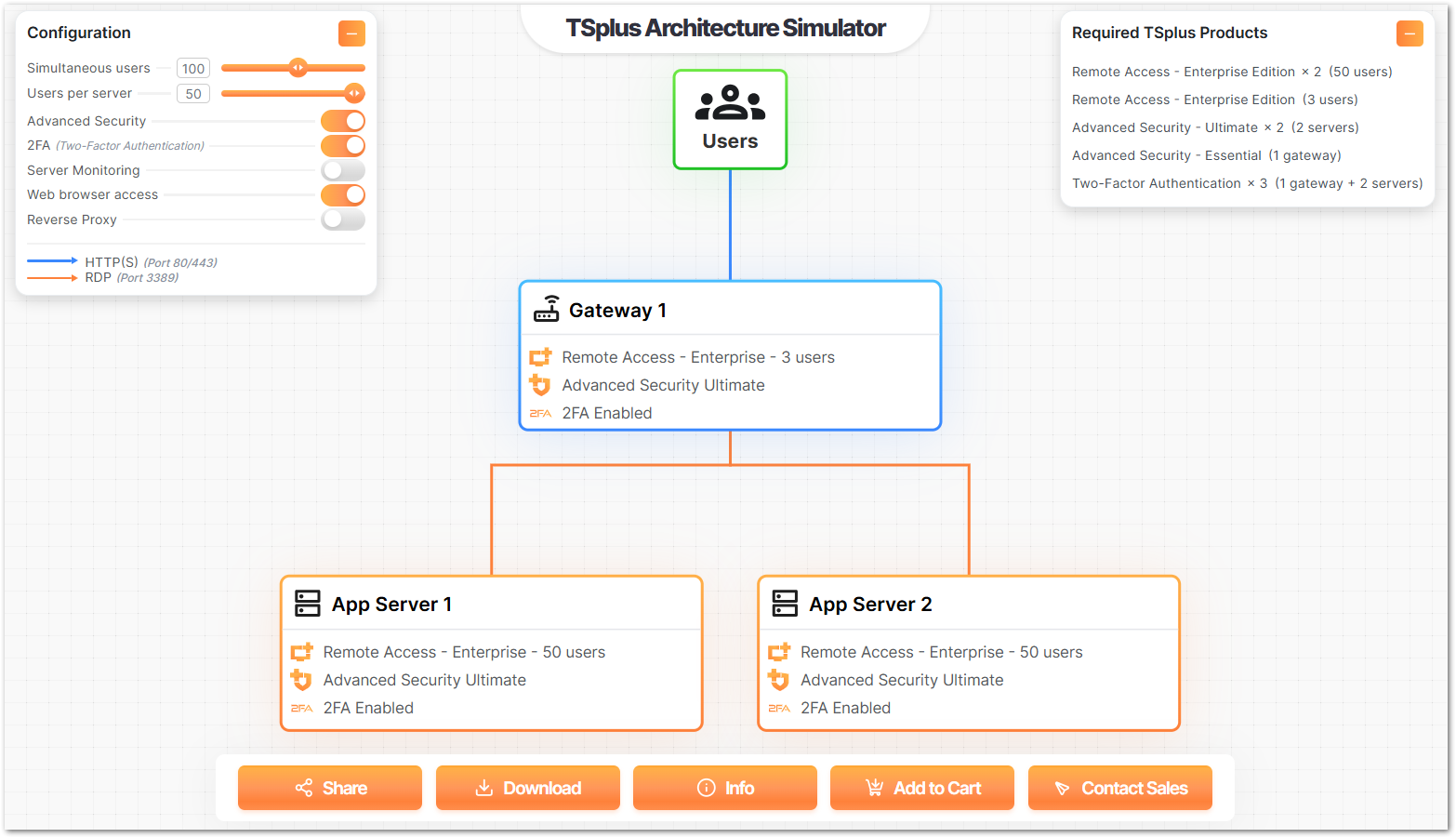
Architecture Simulator
Configure your architecture online to help you choose our software and add-ons.
TSplus Architecture Simulator
Hardware Requirements
TSplus Advanced Security supports 32-bit and 64-bit architectures.
Operating System
Your hardware must use one of the operating systems below:
- Windows 7 Pro
- Windows 8/8.1 Pro
- Windows 10 Pro
- Windows 11 Pro
- Windows Server 2008 SP2/Small Business Server SP2 or 2008 R2 SP1
- Windows Server 2012 or 2012 R2
- Windows Server 2016
- Windows Server 2019
- Windows Server 2022
- Windows Server 2025
Both 32 and 64 bits architectures are supported.
Software Requirements
TSplus Advanced Security requires the following prerequisites:
-
Runtime: .NET Framework 4.7.2 or higher
-
Microsoft Windows 7 SP1 and Windows 2008 R2 SP1 require an additonal update to support SHA2 Cross Signing (KB4474419). This update allows TSplus Advanced Security built-in firewall and ransomware protection to run properly.
Note: These prerequisites will be automatically installed by the setup program if they are missing on the system.
Need help with this topic?
The TSplus Türkiye team can help you validate the configuration before production rollout.