
Settings - Programs Allow List
On the Programs tab, you can add programs to the list of allowed programs, that won’t be checked by TSplus Advanced Security’s Ransomware Protection. By default, all Microsoft programs are whitelisted. Click on the “Add Application” button to add a program. You can also remove them by selecting application(s) and clicking on the Remove…
On the Programs tab, you can add programs to the list of allowed programs, that won’t be checked by TSplus Advanced Security’s Ransomware Protection. By default, all Microsoft programs are whitelisted.
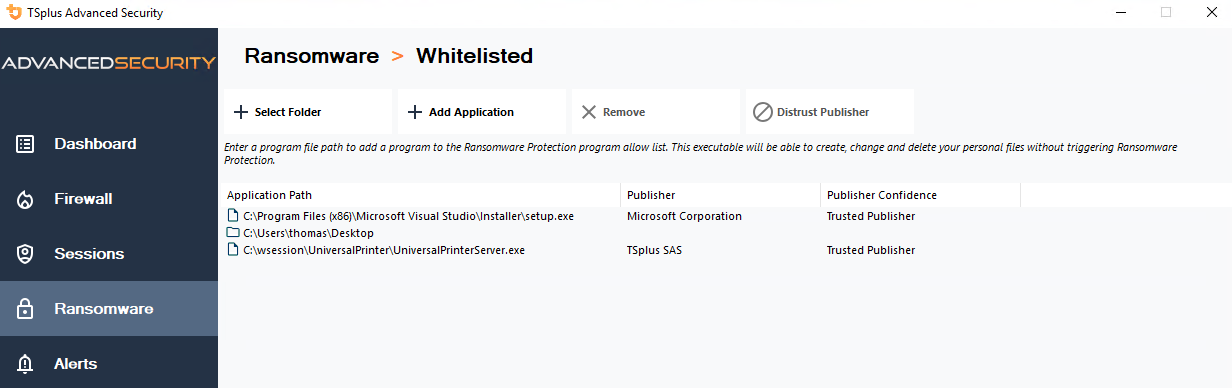
Click on the “Add Application” button to add a program. You can also remove them by selecting application(s) and clicking on the Remove Application(s) button.
Need help with this topic?
The TSplus Türkiye team can help you validate the configuration before production rollout.