
TSplus Administration Tool overview
After installing TSplus, your server is immediately ready to go. However, you can customize all the system parameters with a powerful Administrator Tool. To do so, click on the following icon created on your Desktop: The Administrator Tool will then be displayed: Want to get help on a feature of TSplus Admin Tool quickly? Just click on…
After installing TSplus, your server is immediately ready to go.
However, you can customize all the system parameters with a powerful Administrator Tool.
To do so, click on the following icon created on your Desktop:

The Administrator Tool will then be displayed:
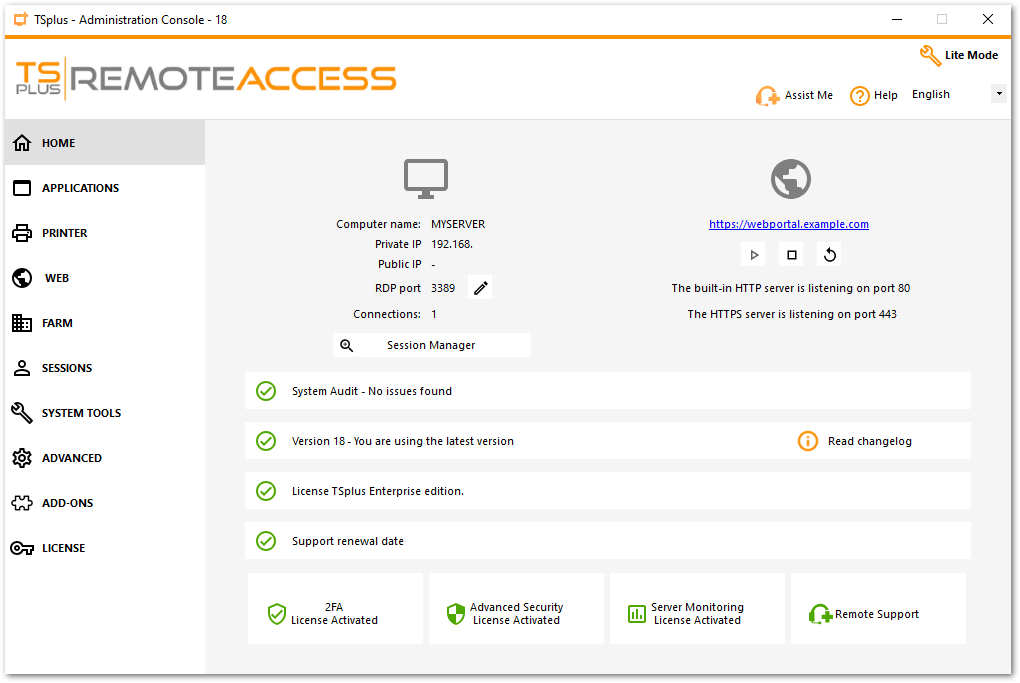
Want to get help on a feature of TSplus Admin Tool quickly? Just click on a tile or on a tab to go to the matching help!
Need help with this topic?
The TSplus Türkiye team can help you validate the configuration before production rollout.