
Applications and Settings Synchronization
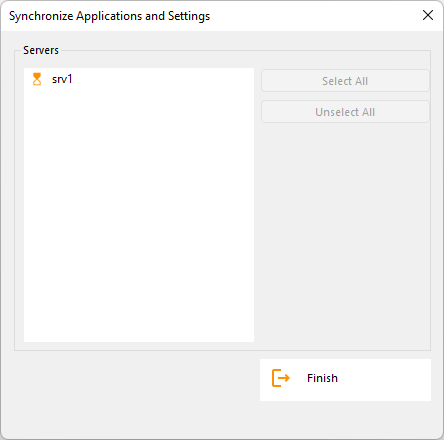
Overview Click on the “Synchronize Applications and Settings” button to display the following window: Check all the servers on which you want to apply the same settings and publish the same applications as the Farm Controller’s, then click on “Apply”. The following window will be displayed, allowing you to monitor the task progress:
Overview
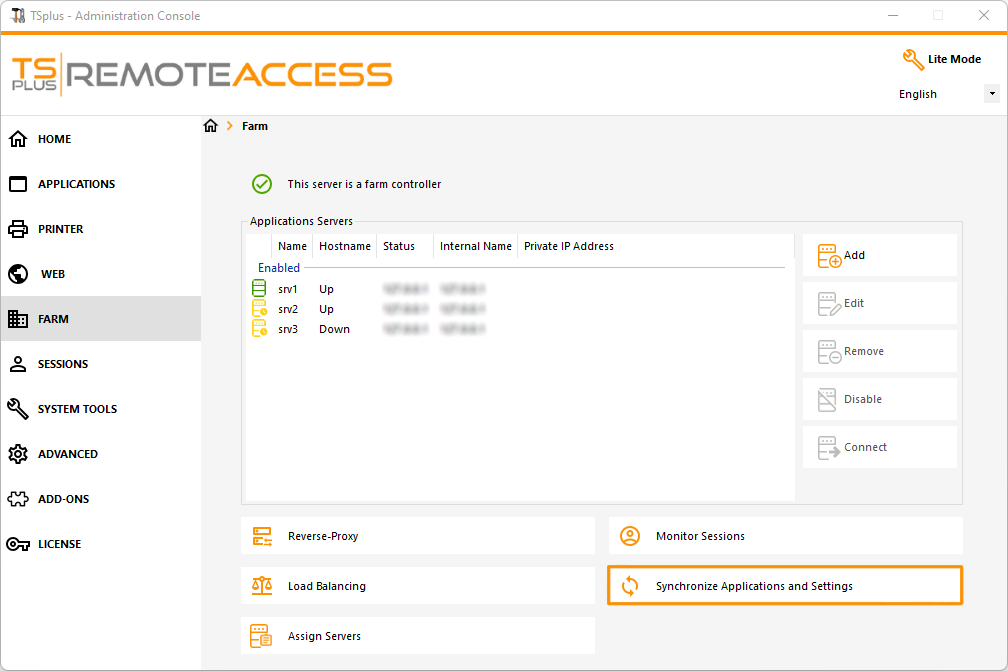
Click on the “Synchronize Applications and Settings” button to display the following window:
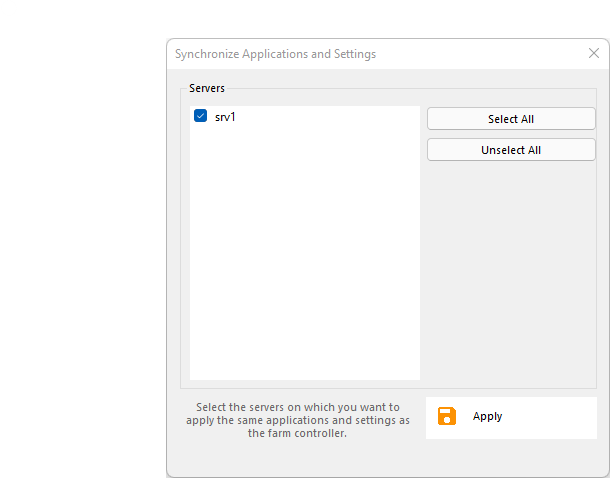
Check all the servers on which you want to apply the same settings and publish the same applications as the Farm Controller’s, then click on “Apply”.
The following window will be displayed, allowing you to monitor the task progress:
TSplus Türkiye
Contact local support →Need help with this topic?
The TSplus Türkiye team can help you validate the configuration before production rollout.