
Advanced Features - Lockout
Overview On this tab, you can enable/disable and configure TSplus Lockout settings. Enable/Disable Lockout Feature The Lockout Feature is enabled by default. You can disable it by changing the value from “Yes” to “No” value on this window, then click on save. Limit The Lockout Limit defines the number of allowed failed login attempts…
Overview
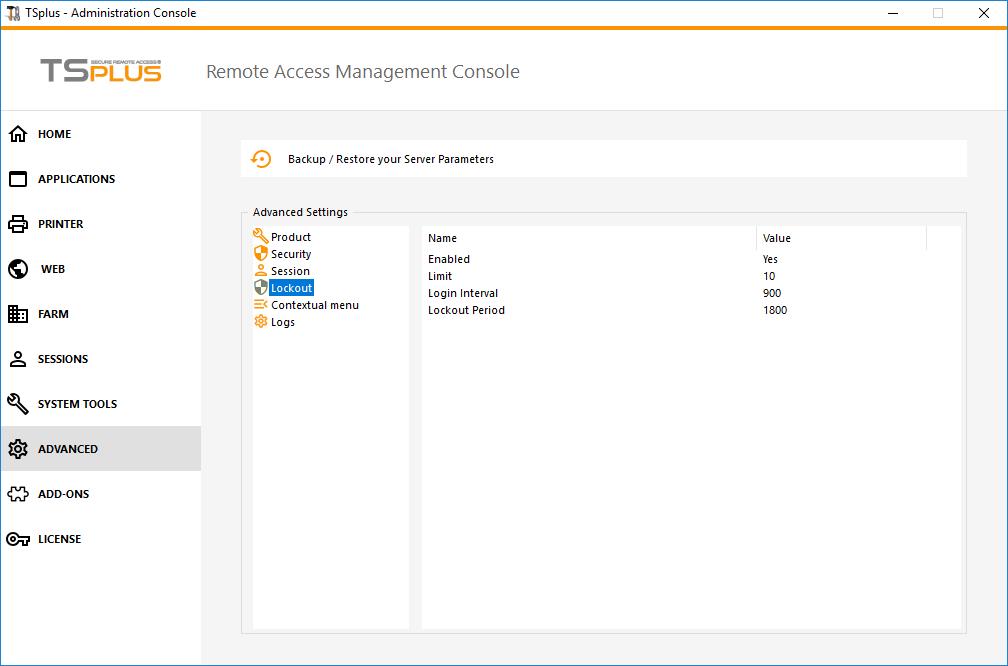
On this tab, you can enable/disable and configure TSplus Lockout settings.
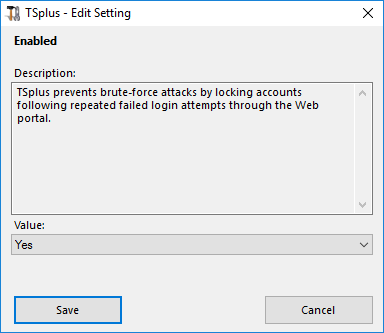
Enable/Disable Lockout Feature
The Lockout Feature is enabled by default. You can disable it by changing the value from “Yes” to “No” value on this window, then click on save.
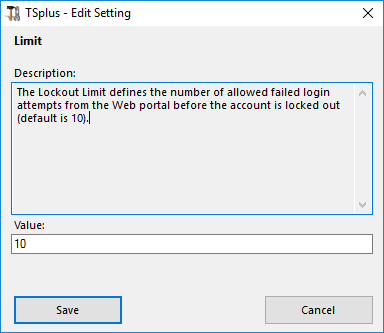
Limit
The Lockout Limit defines the number of allowed failed login attempts from the Web portal before the account is locked out (default is 10). You can modify this value by entering the desired value into the corresponding field and click on save.
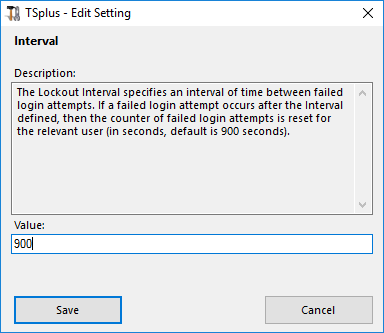
Interval
The Lockout Interval specifies an interval of time between failed login attempts.
If a failed login attempt occurs after the Interval defined, then the counter of failed login attempts is reset for the relevant user (in seconds, default is 900 seconds). You can modify this value by entering the desired value into the corresponding field and click on save.
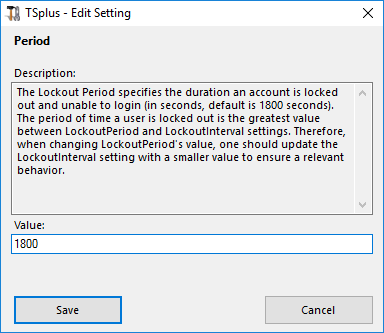
Period
The Lockout Period specifies the duration an account is locked out and unable to login (in seconds, default is 1800 seconds). The period of time a user is locked out is the greatest value between LockoutPeriod and LockoutInterval settings. Therefore, when changing LockoutPeriod’s value, one should update the LockoutInterval setting with a smaller value to ensure a relevant behavior. You can modify this value by entering the desired value into the corresponding field and click on save.
Need help with this topic?
The TSplus Türkiye team can help you validate the configuration before production rollout.