
Updating Server Monitoring
Check out our fixes and improvements by clicking on Changelog Run the Server Monitoring Update Release program, available here and follow the installation steps. NOTE: Windows will prompt you to install the update as Administrator. Click on “Next”. Choose the appropriate installation method for your deployment. Click “I agree” to accept…
Check out our fixes and improvements by clicking on Changelog
Run the Server Monitoring Update Release program, available here and follow the installation steps.
NOTE: Windows will prompt you to install the update as Administrator.
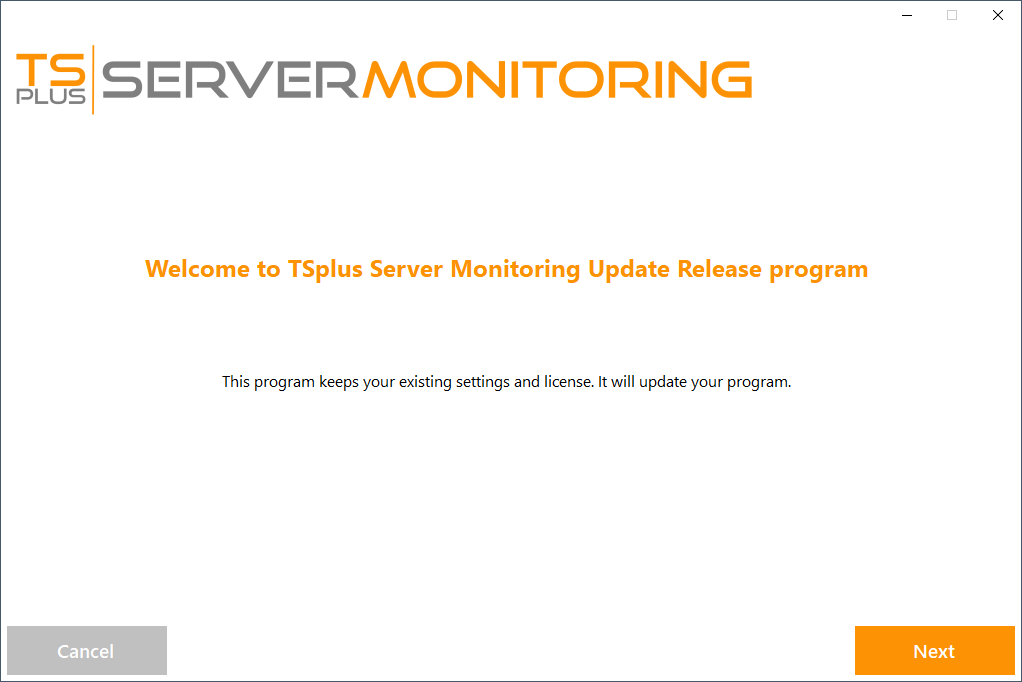
Click on “Next”.
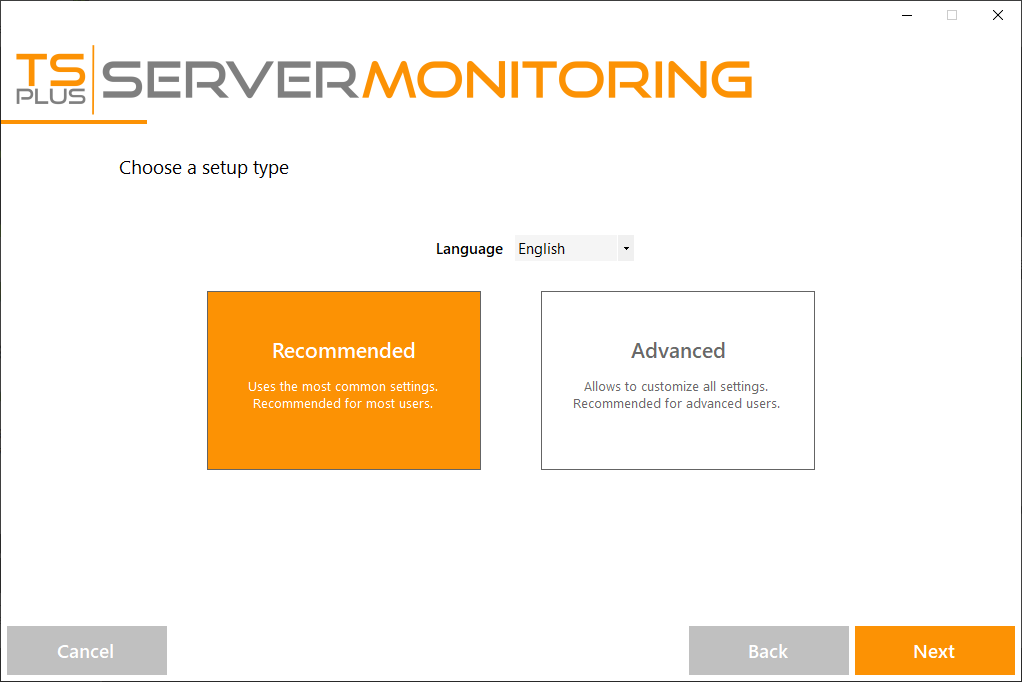
Choose the appropriate installation method for your deployment.
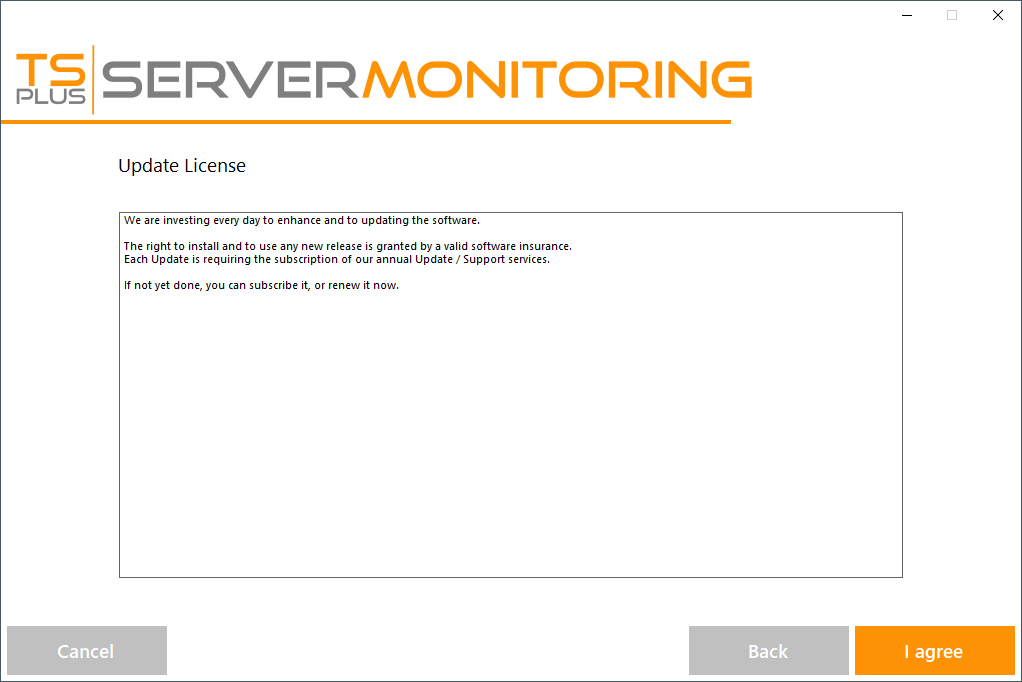
Click “I agree” to accept the the license agreement.
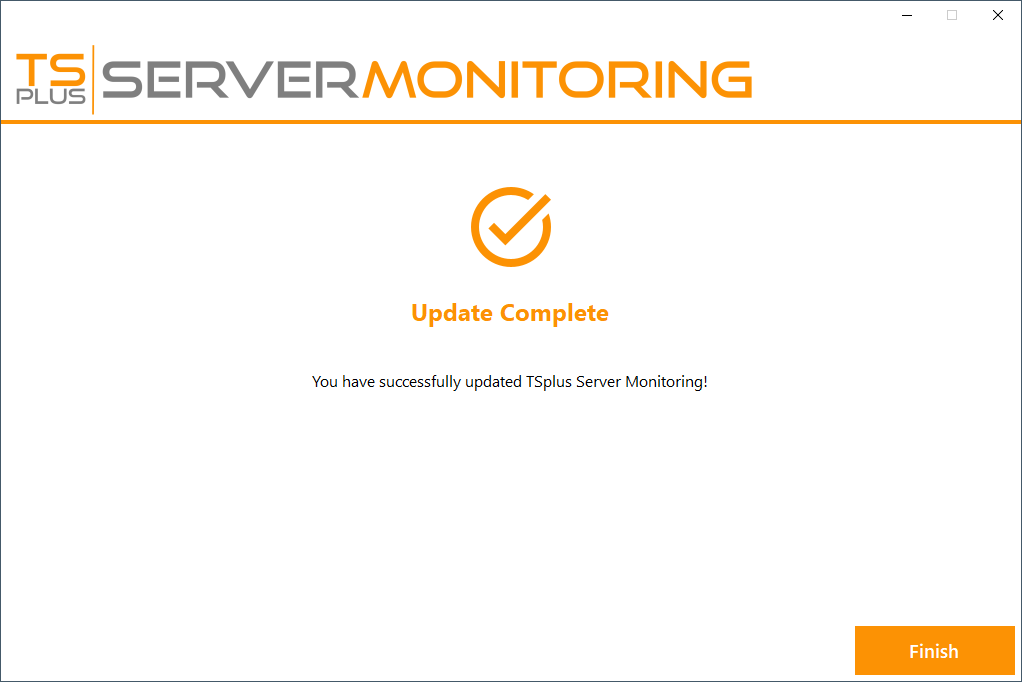
The update is now complete. You can start using the latest version of Server Monitoring.
NOTE: Depending on the content of the update package, you may be asked to restart your server.
Need help with this topic?
The TSplus Türkiye team can help you validate the configuration before production rollout.