
User Attendance Report
This report is available by clicking on Servers > Reports, then on User Attendance in the left menu. The User Attendance Report displays the user attendance for the specified server(s) and period of time. The data can be filtered by server name and date range.
This report is available by clicking on Servers > Reports, then on User Attendance in the left menu.
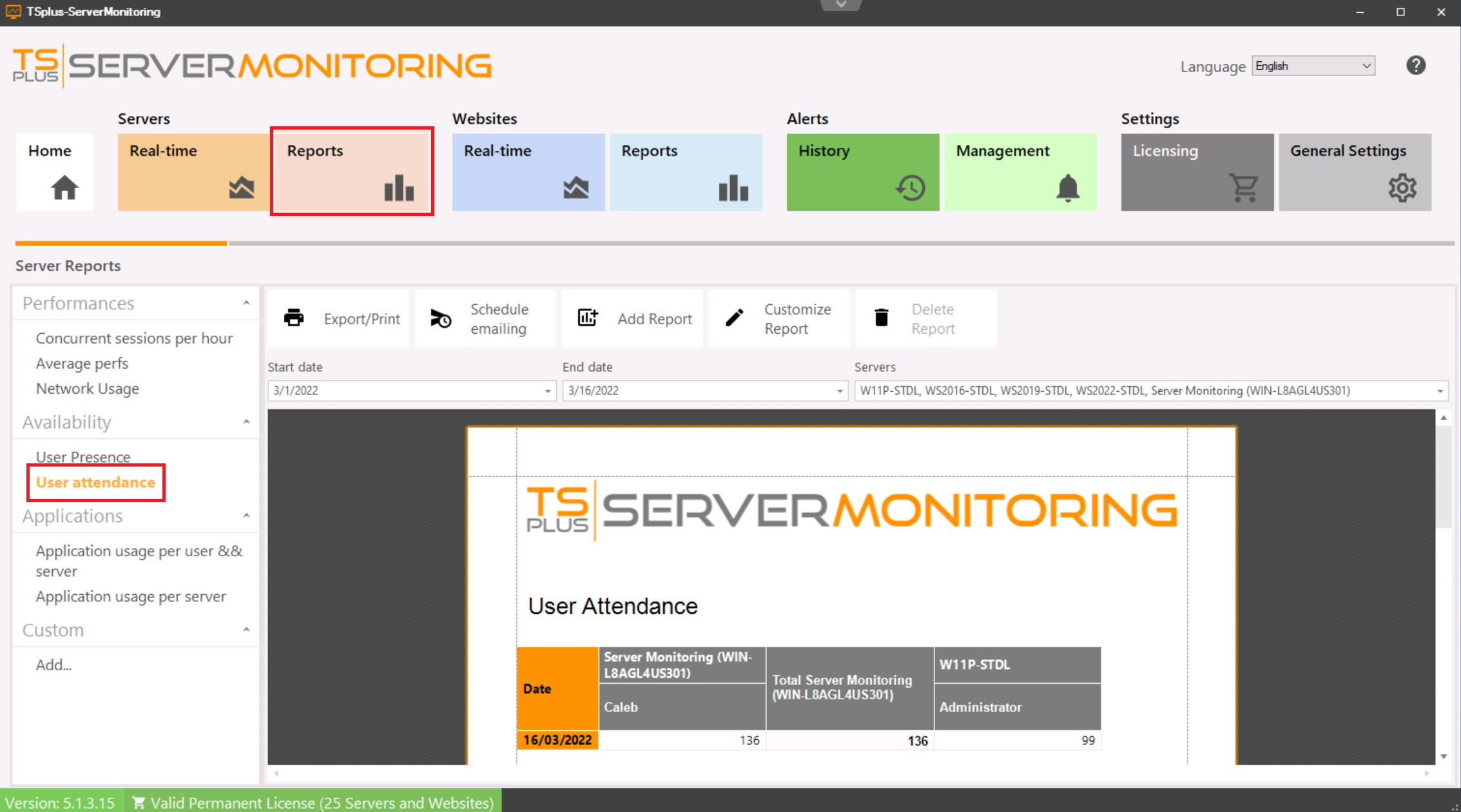
The User Attendance Report displays the user attendance for the specified server(s) and period of time.
The data can be filtered by server name and date range.
TSplus Türkiye
Contact local support →Need help with this topic?
The TSplus Türkiye team can help you validate the configuration before production rollout.