
Settings
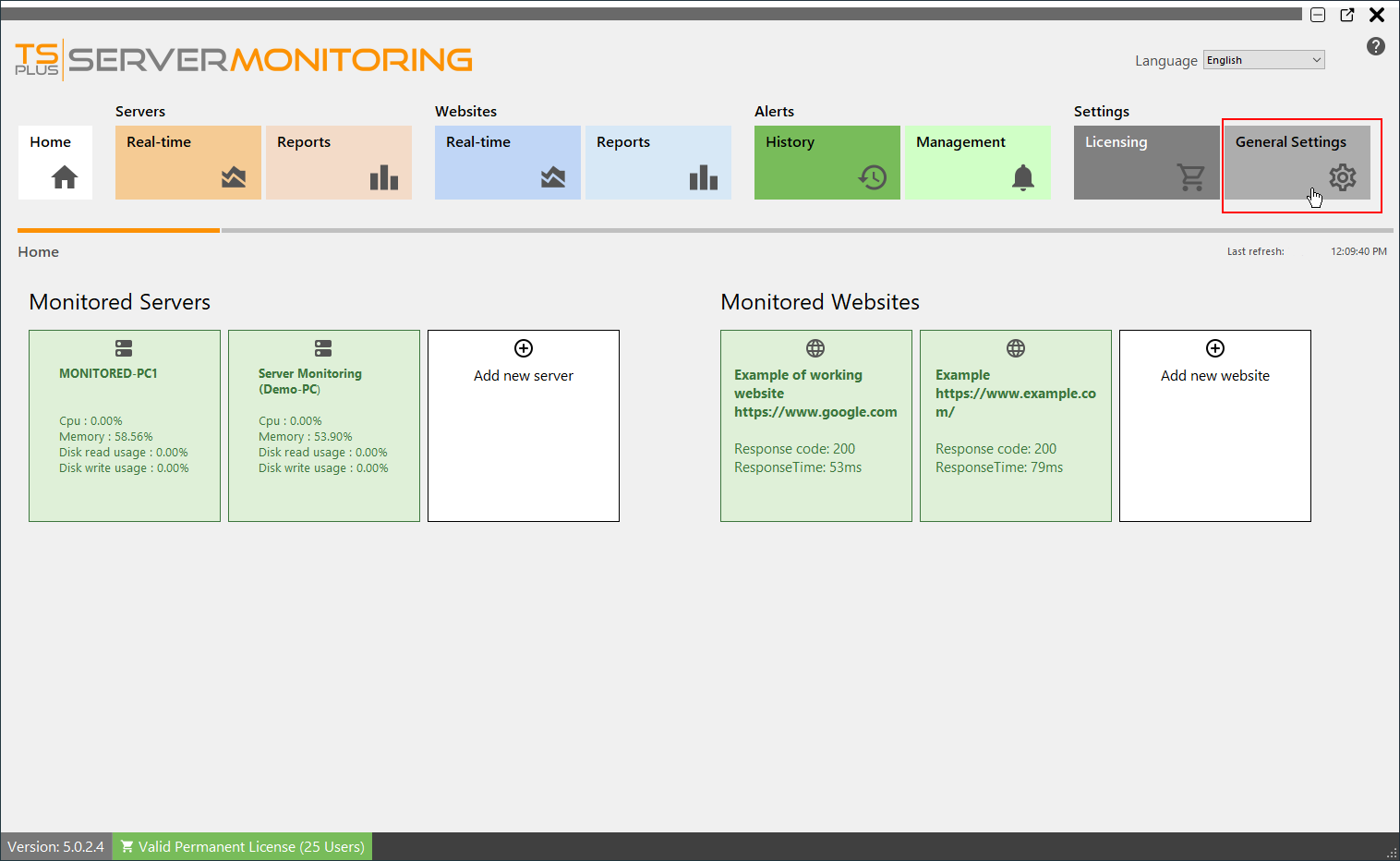
You can manage Server Monitoring settings by clicking on the “General Settings” tile: The following settings will be displayed: You can configure an SMTP server in order to be able to send automatic emails (for reports and alerts) You can define a custom subject and body for emailing reports. Use the “Test SMTP Settings” button to be…
You can manage Server Monitoring settings by clicking on the “General Settings” tile:
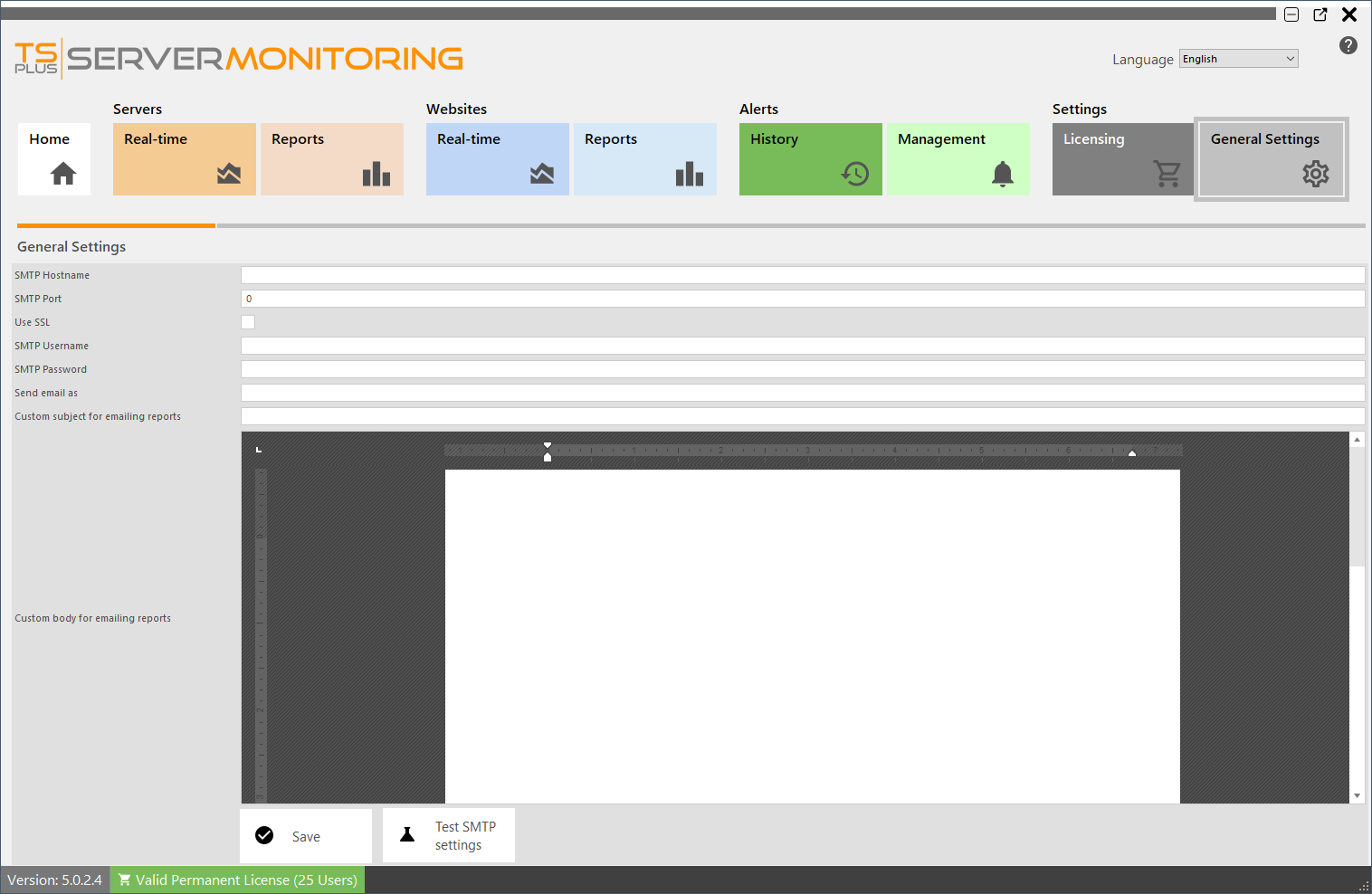
The following settings will be displayed:
-
You can configure an SMTP server in order to be able to send automatic emails (for reports and alerts)
-
You can define a custom subject and body for emailing reports.
-
Use the “Test SMTP Settings” button to be sure your SMTP information is correct.
For more information about alerts, go here
For more information about report emailing, go here
Need help with this topic?
The TSplus Türkiye team can help you validate the configuration before production rollout.