
Website Management
The Home screen displays the list of monitored websites. It is also where you add a new website to monitor, edit or remove websites from the monitoring platform. To add a new website to monitor, click on “Add new website”. In the doalog box that appears, enter the friendly name for the website, and its Url. Click Validate to continue.…
The Home screen displays the list of monitored websites. It is also where you add a new website to monitor, edit or remove websites from the monitoring platform.
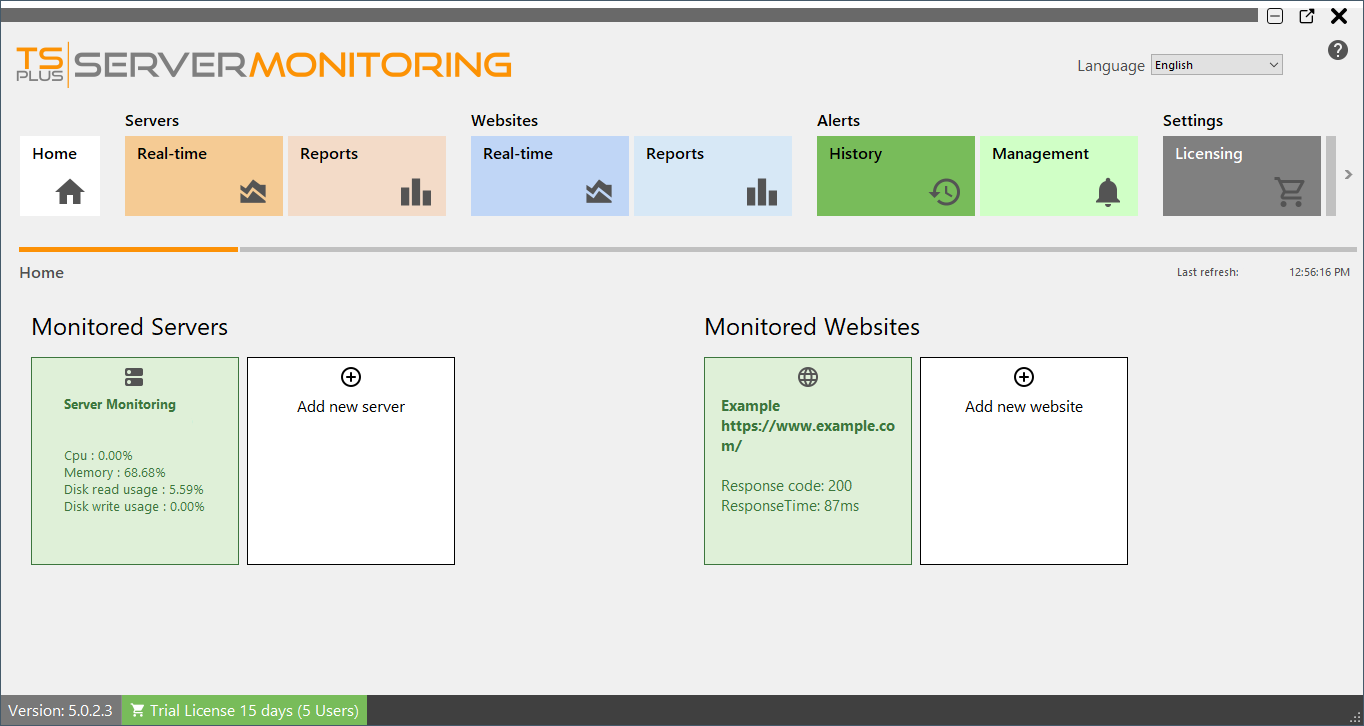
To add a new website to monitor, click on “Add new website”.
In the doalog box that appears, enter the friendly name for the website, and its Url.
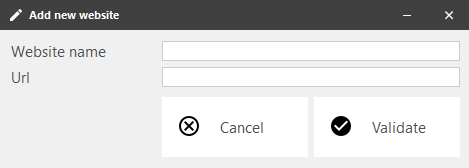
Click Validate to continue. You will see the new website appear in the list of monitored sites:
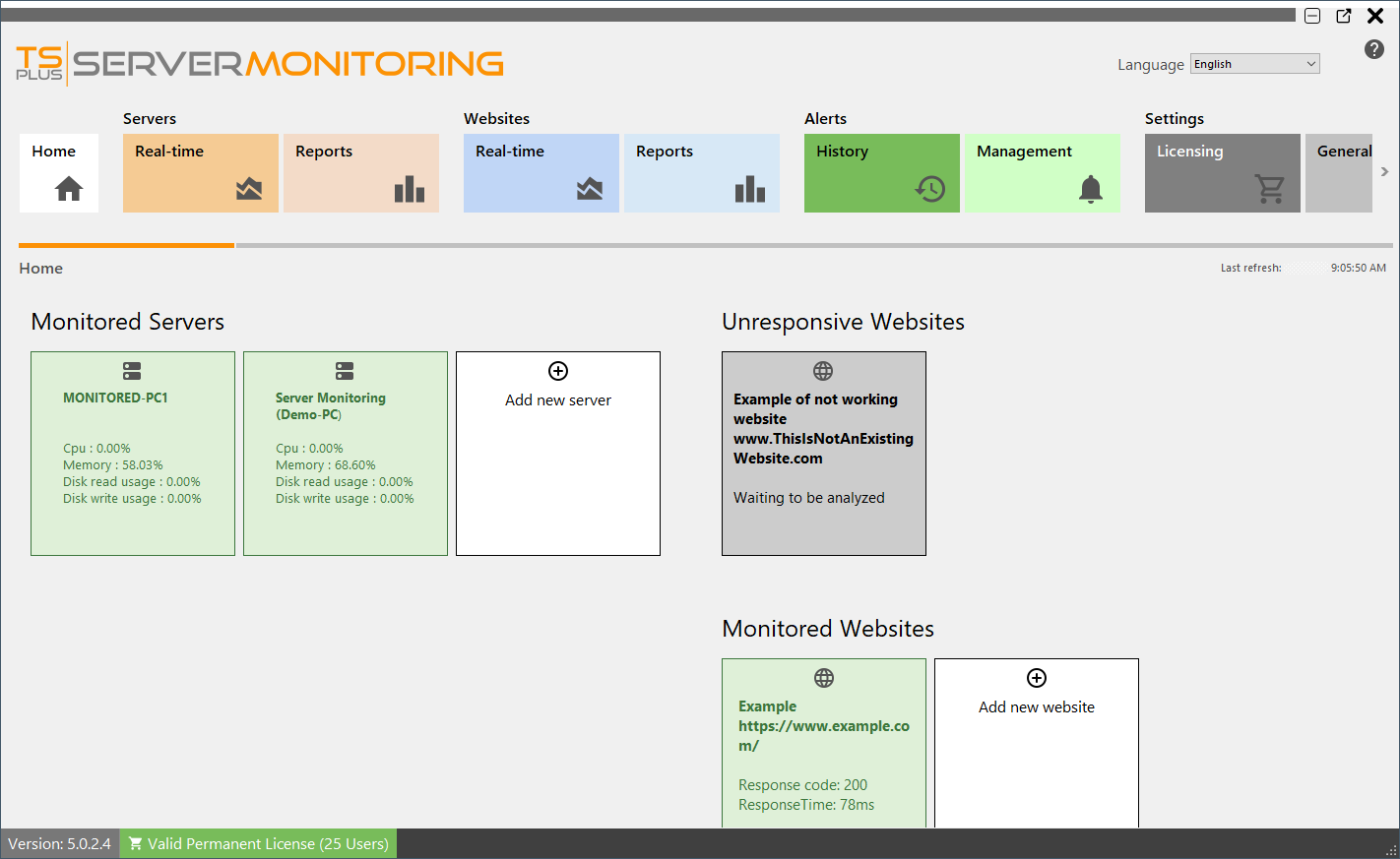
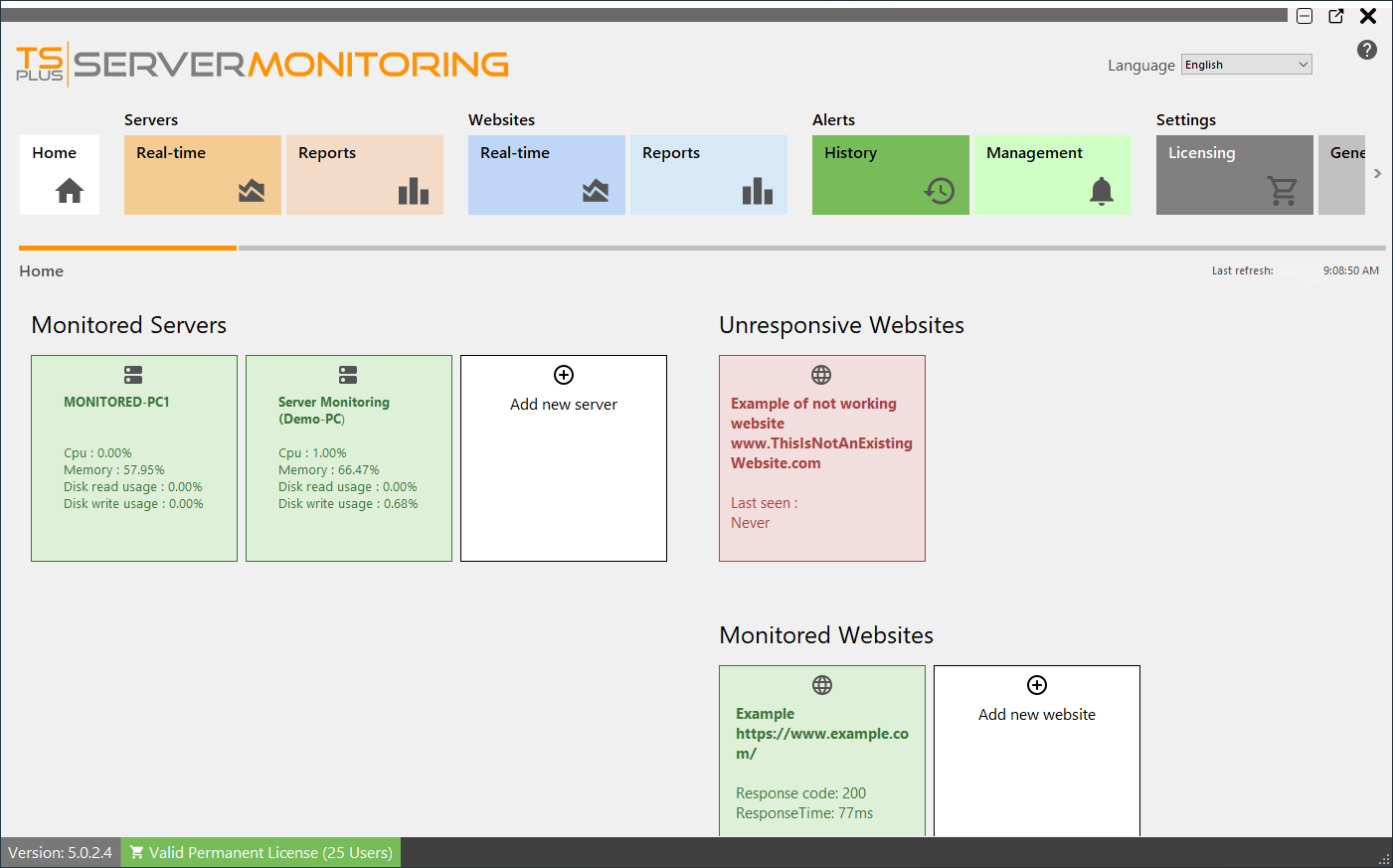
After a short moment, the new website will be analyzed, and will appear green (responsive) or red (unresponsive):
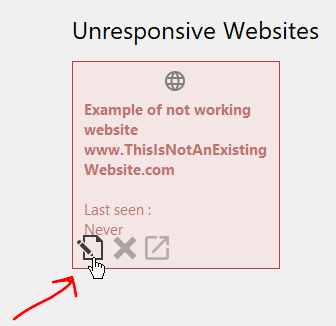
To edit an existing website, hover over the website tile, and click on Edit button :
You also can delete an existing website: just hover over the website tile, and click on the Delete button :
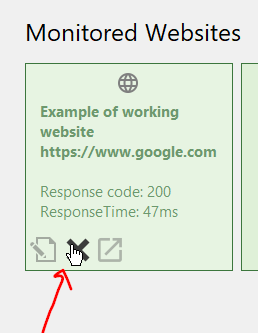
NOTE: This will delete any data associated with this website (alerts, response time, etc.)
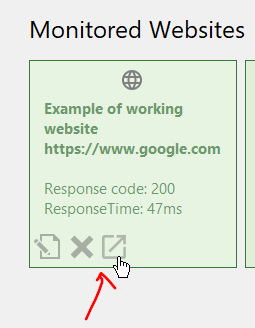
You can also go to the website, by clicking to the third button:
Back To Top
Need help with this topic?
The TSplus Türkiye team can help you validate the configuration before production rollout.